
Meta Just Shipped an Ads CLI for AI Agents. Here's What It Unlocks.
Meta's new Ads CLI lets agents create, edit, and analyze ad campaigns from the terminal, paused by default. Pair it with Humblytics for closed-loop CRO.
Last updated May 7, 2026, one week after Meta's launch. Added a section on what's emerged in the wild: the MCP-for-analysis / CLI-for-execution pattern, third-party CLIs filling platform gaps, and the security shape after seven days of public usage.
Meta, the platform with the largest ad-account ban hammer in the industry, just shipped a tool explicitly designed for AI agents.
On April 29, 2026, Meta quietly released meta ads, a command-line tool that wraps the entire Marketing API into a single binary. Campaigns, ad sets, creatives, ads, insights, catalogs, products, datasets. All of it. From the terminal.
The interesting part isn't the CLI. It's who Meta says they built it for. Quoting the announcement directly: "developers and AI agents working with the Meta Marketing API can now create, edit, and analyze campaigns directly from the command line, without writing custom code."
Read that again. That's the news.
What it actually is
meta ads is a Python package (3.12+, install via pip or uv) that gives you predictable commands for the parts of the Marketing API every developer ends up rebuilding by hand: auth, pagination, error handling, output formatting.
Some of the canonical examples from the announcement:
# List campaigns
meta ads campaign list

# Pull last 7 days of insights
meta ads insights get --campaign_id $CAMPAIGN_ID \
  --date-preset last_7d --fields conversions,impressions

# Build a campaign end to end
meta ads campaign create --name "Summer Sale" \
  --objective OUTCOME_SALES --daily-budget 5000

meta ads adset create $CAMPAIGN_ID --name "My Ad Set" \
  --optimization-goal LINK_CLICKS --billing-event IMPRESSIONS \
  --bid-amount 500 --targeting-countries US

meta ads creative create --name "Hero Banner" \
  --page-id 111222333 --image ./banner.jpg \
  --body "50% off everything!" --title "Shop Now" \
  --link-url https://example.com/sale --call-to-action SHOP_NOW

meta ads ad create $ADSET_ID --name "Hero Banner Ad" \
  --creative-id $CREATIVE_ID
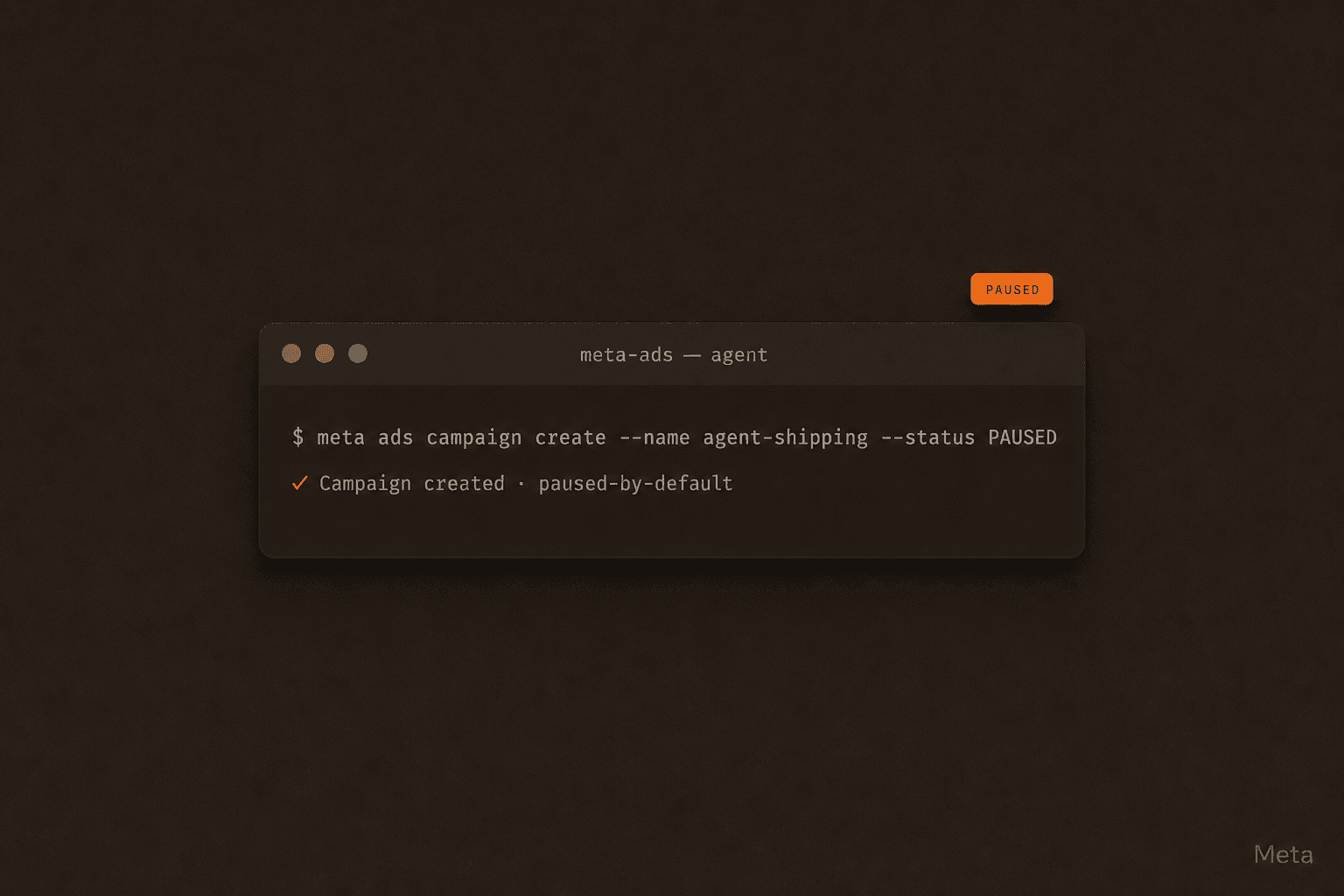
Catalogs, product items, product sets, and conversion datasets all get the same treatment. There's a clean separation between building the structure and flipping it live. Every resource is created in PAUSED status until a human says otherwise.
What's emerged in the first week
A week in, a few patterns are crystallizing in agency workflows worth flagging.
It wraps Marketing API v25.0. Under the hood, meta ads is a thin layer over Marketing API v25.0, released alongside Graph API v25.0 on February 18, 2026. That means stable for the lifetime of that API version, roughly two years before deprecation. Anything you build now isn't a beta gamble.
MCP for analysis, CLI for execution. Meta also runs a hosted MCP server at mcp.facebook.com/ads with 29 tools covering reporting, catalog inspection, signal diagnostics, opportunity scoring. The pattern that's emerged across teams using both: MCP for read-side analysis, CLI for the writes. The agent reads campaign performance through MCP (natural-language friendly: "show me campaigns over $500 spend with sub-1% CTR last week"), then drops to the CLI for the actual mutation: meta ads ad update $AD_ID --status PAUSED --no-input for each. In Claude Code that workflow looks like one prompt, two tool surfaces, no glue code.
Agent platforms are converging on it. Claude Code uses the CLI in execution context and the MCP for analysis. Cursor's TypeScript Agent SDK (April 2026) lets you sandbox CLI calls in cloud VMs so the agent can run meta ads writes without touching the host. OpenAI's Codex and ChatGPT consume the MCP URL natively. Three different agent runtimes, one combined surface.
Third-party agent CLIs and MCPs are filling the platform gaps. No official CLI from Google Ads, TikTok, LinkedIn, Reddit, or X yet. Meta is the first and currently only ad platform with one. Third parties are stepping in: ZuckerBot (Meta-only MCP + REST + CLI, free tier with paid credits for live launches), AdKit ($49/mo, multi-platform Meta + Google MCP and CLI with a draft-first review layer and TikTok / LinkedIn / Reddit / X on the roadmap), and Ryze AI (Claude-focused agent layer over multiple ad APIs). Read it as: Meta is leading, the rest of the platforms will follow, and the gap year between now and "every platform has an official CLI" is being filled by indies.
Zero security incidents. No public reports of CLI-related ad-account bans or token compromises in the first seven days. The PAUSED-by-default + scoped-token + env-var design is holding up under real usage.
Why this is built for agents specifically
Five design choices in the CLI are tells. Read them as a checklist for what "agent-friendly" looks like:
- PAUSED by default. Nothing goes live until someone runs
meta ads campaign update --status ACTIVE. An agent can build a full campaign, ad set, creative, and ad. The only thing that publishes spend is one final command a human can review. - Three output formats.
tablefor humans,jsonfor piping intojq,plain(tab-separated) forawk/cut/sort. Agents read structured output. Humans read tables. Both work. - Standard exit codes.
0for success,3for auth errors,4for API errors. An agent can branch on exit code instead of trying to parse error messages out of stderr. --no-inputand--force. Suppress every interactive prompt. The CLI never blocks waiting for a y/n that won't come.- Env-var tokens. Tokens, secrets, and account IDs live in environment variables. Out of command history, out of version control, out of
CLAUDE.md.
That last point matters because it's exactly how we tell people to handle the Humblytics API key on our skills page. .env, never chat, never CLAUDE.md. Meta arrived at the same answer. It's the right answer.
The closed loop you couldn't run before
Before the CLI shipped, an agent connected to Humblytics could already do most of the CRO loop:
- Read your funnel via the Analytics API
- Generate test hypotheses via the CRO Optimizer skill
- Ship a no-code A/B test via the Split Test API
- Read which variant won via revenue attribution
But the loop stopped at the page. Once the agent knew which headline converted, something else (a human, a separate workflow, a Monday morning meeting) had to translate that into ad copy, ad creative, audience adjustments, and budget shifts.
With meta ads, the same agent can keep going. Pause underperforming creatives. Duplicate winning ad sets. Spin up a new ad pointing at the new variant. The full path from traffic source → page → conversion → revenue can now be touched by one agent reading from one set of credentials.
It's the first time an agent can run the actual loop end to end without a custom Meta integration on your side or ours.
A real workflow you can copy
As of May 2026, the canonical agent-marketing pattern is MCP for analysis, CLI for execution. Agent reads through the natural-language tool surface, writes through the deterministic command surface. Below is what that looks like in practice, and you can stack it with any of our 12 open-source agentic marketing skills (CRO Optimizer, Page CRO, A/B Test Generator, etc.) for the page-side of the loop. We've written the broader playbook in The Complete Guide to Agentic Marketing.
Here's the Friday morning report we run internally, rewritten as a single agent prompt with the new building blocks:
"Pull last week's funnel for
/pricing. If conversion dropped vs the prior week, propose a headline test, ship it via Humblytics, then check which Meta creatives drove traffic to that page. Pause any creative below 1% CTR."
Behind the scenes the agent does roughly this:
# 1. Pull the funnel (Humblytics)
curl -H "Authorization: Bearer $HUMBLYTICS_API_KEY" \
  "https://app.humblytics.com/api/external/v1/properties/$PROPERTY_ID/analytics?period=last_7d"

# 2. Diagnose + ship a variant (Humblytics)
curl -H "Authorization: Bearer $HUMBLYTICS_API_KEY" \
  "https://app.humblytics.com/api/external/v1/properties/$PROPERTY_ID/split-test-recommendations?page=/pricing"

curl -X POST -H "Authorization: Bearer $HUMBLYTICS_API_KEY" \
  "https://app.humblytics.com/api/external/v1/properties/$PROPERTY_ID/split-tests" \
  -d @variant.json

# 3. Pull last week's creative performance (Meta CLI)
meta ads insights get --campaign_id $CAMPAIGN_ID \
  --date-preset last_7d \
  --fields ad_id,ad_name,impressions,clicks,ctr \
  --output json

# 4. Pause the laggards (Meta CLI)
meta ads ad update $AD_ID --status PAUSED --no-input
Two APIs. One agent. One report Monday morning that says "here's what I tested, here's what I paused, here's what's next." The shape of marketing operations work changes when this is a thirty-second job instead of a half-day job.
The safety conversation we have to have
We've been deliberately careful about the Meta Marketing API. Our skills credentials section currently warns against giving an agent direct Marketing API access through a system user on an unapproved developer app. That warning still stands. Meta is actively banning ad accounts that route production traffic through unapproved apps, and the bans are permanent.
The CLI doesn't change that rule. What it changes is the trust shape. meta ads is Meta's own published, supported tool. It's authenticated through the same access tokens you'd use for any approved Marketing API integration, but it doesn't ask you to spin up a draft developer app and route an agent's traffic through it. You give the CLI a properly-scoped access token, the CLI talks to Meta's API the way Meta intends, and you keep the audit trail clean.
Three rules still apply:
- Scope tokens narrowly. One ad account per token. Don't issue a token with access to your entire Business Manager.
- PAUSED until reviewed. The CLI defaults to it. Keep it that way until a human approves the spend. Set up your agent prompt to create freely and activate never. That's a one-line guardrail.
.env, not chat. Same rule as the Humblytics API key. The token belongs in environment variables loaded from a.envfile the agent sources, not pasted into aCLAUDE.mdor a Slack thread.
One observation worth adding after a week of public usage: no Meta enforcement actions tied to CLI use have surfaced. The pattern is holding. That matters because Meta is actively banning accounts that route production traffic through unapproved developer apps, and that hasn't slowed down. The CLI sidesteps that entire risk surface because it's Meta's own approved pathway. Don't take this as license to roll your own unapproved-app integration as a fallback. The bans are still permanent and still happening to teams who do.
Get those rules right and an agent running meta ads is operationally safer than most humans clicking around in Ads Manager.
Get started
If you want to run the loop above this week:
- Install the CLI per Meta's docs. Python 3.12+,
pip installoruv tool install. - Get a Humblytics API key from app.humblytics.com (or have your agent sign you up from the terminal, no dashboard required).
- Drop the
CLAUDE.mdsnippet from our skills page into your repo, add a few lines telling the agent it can also callmeta ads, and ask it: "find my worst-converting page, ship a variant, and pause any Meta creative pointing at it that's below 1% CTR."
The agent will do it.
What this means
The platforms that win the agent era will be the ones that ship clean, predictable, agent-readable surfaces. Not dashboards. Not SDK wrappers. CLIs and APIs with sensible defaults, structured output, and safety baked into the design.
Meta just did. We did. The shape of marketing work is changing from dashboards-and-dropdowns to chat-and-CLI, and the gap between teams that have figured this out and teams that haven't is going to widen fast.
The Meta CLI is one chapter of a bigger shift: agentic marketing as a discipline, not a tool. We've written the full playbook in The Complete Guide to Agentic Marketing.
Pair Humblytics with meta ads and your CRO agent stops being a recommendation engine. It becomes the operator. Paste the install prompt at /skills into Claude or Codex and your agent ships the first variant before standup. Or grab the 14-day free trial directly.