Framer 3.0 Explained: Agents, Branching, and the New Community
Framer 3.0 brings AI Agents to the canvas, Branching for safe team edits, and a new creator Community. What changed, what it costs, and what it means for your site.
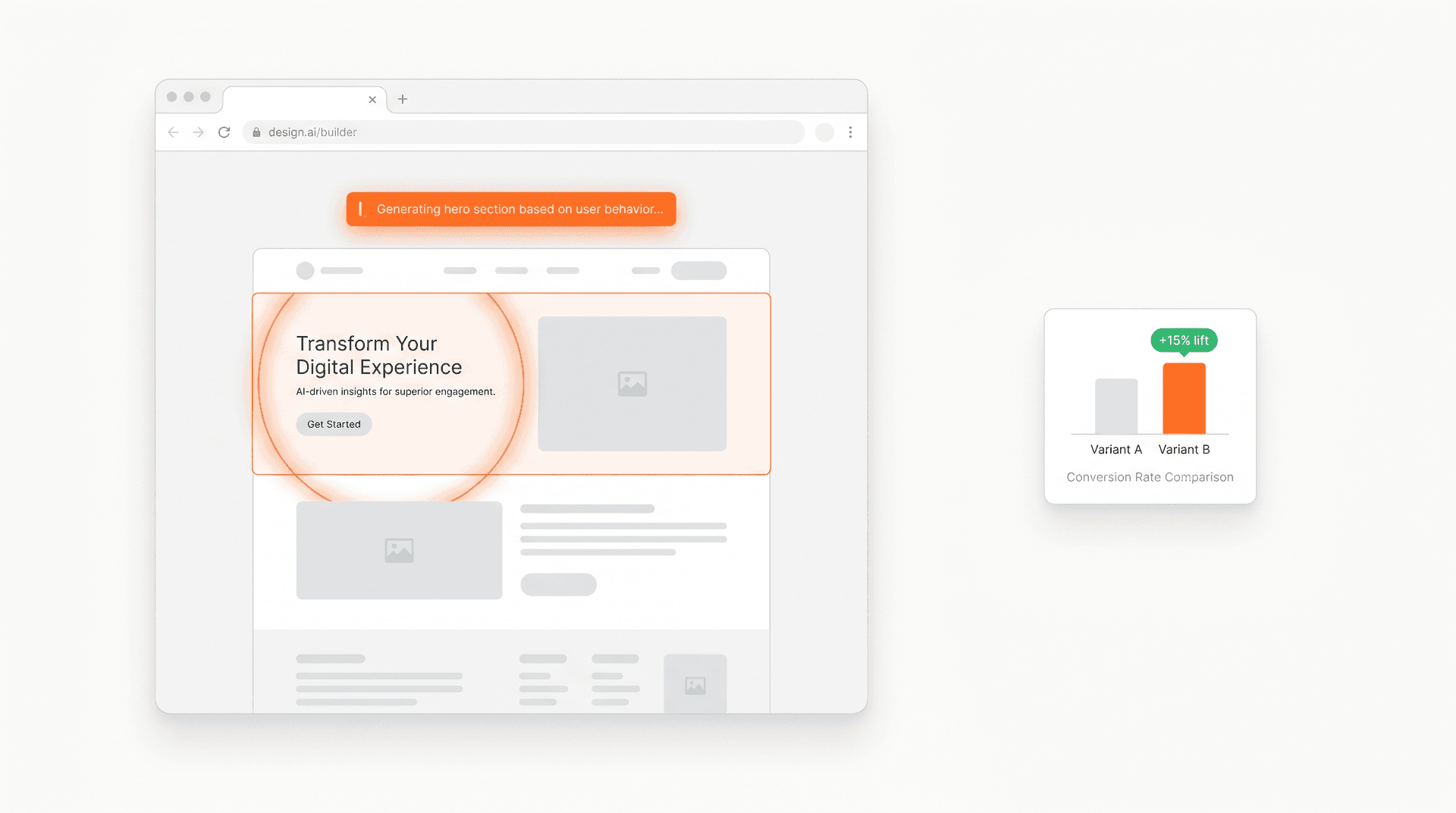
Framer 3.0 brings AI Agents to the canvas, Branching for safe team edits, and a new creator Community. Here's what changed, what it costs, and what it means for sites you actually ship.
The short answer: On June 16, 2026, Framer shipped its biggest release yet. Framer 3.0 puts AI Agents directly on the canvas (they design pages, write code components, manage the CMS, and audit your site), adds Branching so teams can experiment without touching the live site, connects External Agents like Claude Code and Cursor through the Framer CLI, and rebuilds the creator Community into one hub. Pricing changed too: a new AI-credits model, editor seats cut from $40 to $20, and the Scale plan retired. Everything is live to everyone today.
Most AI design tools work through a chat box. You ask, you get a result, you copy it somewhere else, you prompt again. Fine for a quick mockup. Not fine for a real website that has to stay responsive, on-brand, SEO-clean, and accessible after the tenth edit.
Framer 3.0 takes a different route: the AI lives inside the same canvas where your team already designs, reviews, and publishes. Framer calls it "Cursor for design," and the framing fits. Below is what actually launched, what each piece does, and the one thing AI-built pages still can't tell you on their own.
Watch the launch video for the two-minute version, or the full event recap for everything.
 Framer 3.0 launch video. Source: Framer.
What is Framer 3.0?
Framer 3.0 is a platform-wide update that launched on June 16, 2026, built on four changes shipping at once: Agents (AI co-editing inside the canvas), Branching (isolated copies of your live site for safe edits), External Agents (connecting tools like Claude Code via the Framer CLI), and a rebuilt Community hub, all wrapped in a redesigned UI and a new AI-credits pricing model (Framer).
No waitlist and no phased rollout. Framer reports that more than 188,000 companies across 200 countries build on the platform, powering roughly 364 million monthly visitors across 4 million-plus published sites (Framer). Teams at Perplexity, Miro, Cal.com, Superhuman, Dribbble, and Zapier are named users. So this update reaches a large, professional base on day one.
Framer Agents: AI on the canvas, not in a side chat
Framer Agents are AI models that work inside Framer itself, with direct access to the same canvas, components, CMS content, styles, SEO settings, and publishing workflow your team already uses. Instead of generating throwaway output in a chat window, the Agent edits the live project, and you inspect, refine, and decide what ships (Framer).
A new Agent tab sits in the right panel next to Style. You prompt it, watch which layers it touches, and roll back any prompt with a single revert. Framer lists a long task menu the Agent can handle:
- Generate pages from scratch, or from a screenshot
- Handle responsive breakpoints
- Create layouts, sections, and components
- Organize color and text styles
- Add effects and interactions
- Write custom code components
- Write and improve content
- Generate SEO metadata and manage CMS collections
- Audit the site for broken links, accessibility issues, and inconsistent styling
You can also pick the model per session. Cost is measured against Framer's base model, GPT-5.5 (1x), with Sonnet 4.6 at 0.9x and Opus 4.8 at 1.8x (Framer). Lighter models stretch your credits; heavier ones do the harder work.
For a hands-on walkthrough of the Agent on the canvas, this breakdown is worth a watch:
 Framer Agents walkthrough, covering the canvas Agent, credits, and external integrations.
The point Framer keeps making: Agents bring speed and scale, humans bring taste and judgment. The workflow is a constant back-and-forth between AI execution and human refinement, all in the place you already publish from.
Branching: experiment without breaking the live site
Branching gives every project an isolated copy of the site. You spin up a branch, make changes (or let an Agent make them), review and compare against main, then merge approved work when it's ready (Framer). Every project now carries a "main" label at the top of the canvas, and merging back is a one-click move.
This is the feature that makes Agents safe for real teams. An Agent can redesign a whole section on a branch while your live site keeps serving visitors untouched. Branching is on paid plans, and it's the difference between "fun AI demo" and "we let AI near production."
The pattern will feel familiar to anyone who ships code: branch, change, review, merge, publish. Framer brought that discipline to design.
External Agents: bring your own AI workflow
Plenty of teams already run Claude Code, Cursor, Codex, or Gemini CLI. Framer 3.0 lets those tools connect into Framer through the Framer CLI, so an external agent can take action on your site from outside the editor. Update copy from Slack, trigger CMS changes from the terminal, ship from a GitHub PR.
Here's the part that matters for budget: External Agents don't spend Framer AI credits. You pay only for the model tokens you use with your own provider (Framer). For heavy users, routing work through Claude Code or Cursor can be meaningfully cheaper than generating everything on Framer's canvas credits.
The new Framer Community
Framer also rebuilt its creator hub into a single Community tab: Marketplace, Gallery, Awards, a social Feed, Members, and Contests in one place (Framer). Creators get a home to share work, build reputation, and find opportunities; businesses get a place to discover talent and ready-made resources.
The Marketplace also changed its review system, moving away from the old pre-publish gate (Framer). The economics behind it are real: Framer says more than 7,000 creators sell on the Marketplace, and it paid out $6.5 million to creators in 2025 alone, up 200% year over year, while taking no cut of creator earnings (Framer).
What Framer 3.0 costs now
Framer 3.0 replaced its old AI pricing with AI credits, the usage unit for every AI feature. A credit maps to what an operation costs to run, so spend tracks what you ask for (Framer).
| Plan | Included credits | Roughly |
|---|---|---|
| Free | 500 / day (no rollover) | ~2 landing pages a day |
| Basic | 1,000 / month | ~5 landing pages |
| Pro | 3,000 / month | ~10 landing pages |
Typical operation costs on the base model: a full landing page is about 300 credits, making a page responsive about 150, a large edit 100, a small edit 50 (Framer). Add-on credit packs start at 1,000 and can be bought at any tier.
Three more changes worth noting:
- Editor seats dropped from $40 to $20 per month; Content Editor seats are $10.
- Basic got more generous: 2 CMS collections (up from 1) and 50 GB bandwidth (up from 10 GB).
- The Scale plan is retired. There are now two paid plans: Basic for personal and small sites, Pro for businesses and teams.
For a real-world cost breakdown of generating pages, components, and CMS items, this walkthrough runs the numbers:
 Framer 3.0 hands-on: building sites faster with Agents and the new credit system.
The gap AI-built pages still leave open
Framer Agents close the build gap. They generate a page, make it responsive, wire the CMS, and even surface site analytics on request. What they can't do is tell you whether the version they shipped actually earns more than the version it replaced.
That's the catch with AI-generated sites. Generating a page is now easy. Knowing which generated page converts, which headline drives signups, and which layout moves real revenue is a separate question, and it's the one that pays your bills.
This is where a dedicated analytics and testing layer sits on top of Framer. Framer's built-in stats show you traffic. They don't run a proper A/B test between two Agent-generated variants, attribute a signup back to the ad that earned it, or tie a layout change to Stripe revenue. When an Agent can spin up three versions of a hero in a minute, the bottleneck moves from making variants to proving which one wins.
Humblytics adds that layer to any Framer site: analytics, funnels, heatmaps, and revenue-attributed A/B testing from one lightweight script. You let Framer Agents build fast, then let the data decide what stays. If you're on Framer, here's the 5-minute setup guide.
Why this release matters
Framer's bet is that the shift agents brought to software development is now coming to website creation, and that the winning version keeps humans in control of the final experience. Generating ideas was the easy part. Building, maintaining, and improving real sites where the work happens is the harder, more valuable one (Framer).
For designers and marketers, the practical takeaway is simple. The cost of producing a page just dropped toward zero. The value moves to judgment: knowing what to build, and proving what works. Framer 3.0 handles the first half. Make sure you've got the second half covered.
Frequently asked questions
What is Framer 3.0? Framer 3.0 is a major platform update launched June 16, 2026, introducing AI Agents on the canvas, Branching for safe experimentation, External Agent connections (like Claude Code via the Framer CLI), a rebuilt Community hub, a redesigned UI, and a new AI-credits pricing model.
What can Framer Agents do? Framer Agents design pages from scratch or screenshots, handle responsive breakpoints, build components, write custom code, manage CMS collections, generate SEO metadata, organize styles, and audit sites for broken links, accessibility, and inconsistent styling, all inside the canvas where you publish.
How much does Framer 3.0 cost? Every plan includes AI credits: Free gets 500 per day (no rollover), Basic 1,000 per month, Pro 3,000 per month, with add-on packs from 1,000 credits. A full landing page costs about 300 credits on the base model. Editor seats dropped from $40 to $20, and the Scale plan was retired.
Do External Agents like Claude Code use Framer credits? No. When you connect an external agent (Claude Code, Cursor, Codex, Gemini CLI) through the Framer CLI, you pay only for the model tokens from your own provider, not Framer AI credits. For heavy use, that can be cheaper than working entirely on Framer's canvas.
Can I A/B test pages that Framer Agents build? Framer's built-in analytics show traffic but don't run revenue-attributed A/B tests. To compare two Agent-generated variants and prove which converts, add a dedicated layer like Humblytics, which brings analytics, funnels, heatmaps, and A/B testing to any Framer site from one script.
Sources
- Framer 3.0 - Framer Updates
- Introducing Framer Agents, Branching, and the new Community - Framer Blog
- AI credits, simpler plans, and lower prices - Framer Blog
- Framer Agents and External Agents
- Branching / Collaborate - Framer
- The new Framer Community and Marketplace changes
- Framer 3.0 launch video and full event recap